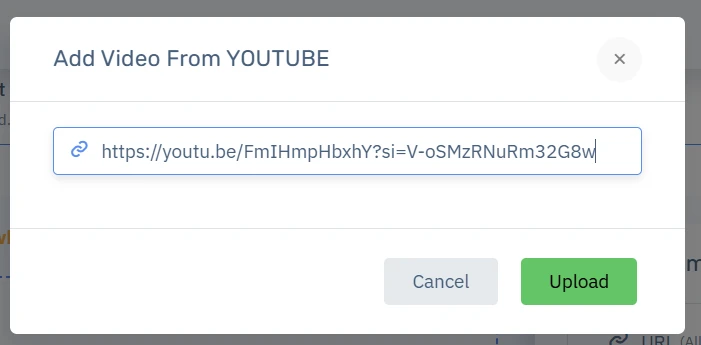
Videokiosk main feature is adding videos and embedding it on your website or sharing it via direct link (without the youtube ads) and sharing it on Social Media.
AI auto detects the language and generates automatically tags and transcriptions for your video. To get started with adding your first video, follow the steps below.
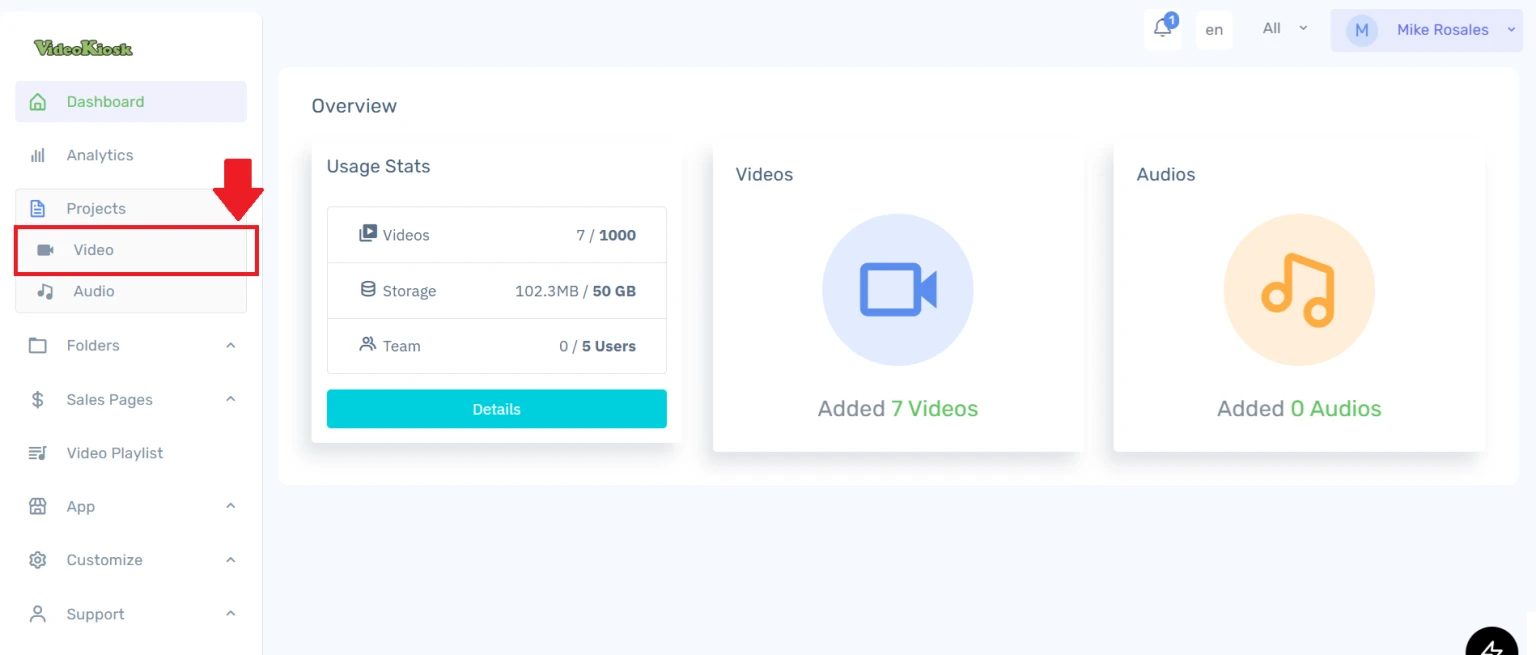
Once you are logged in to your account. Select on PROJECTS -->VIDEO
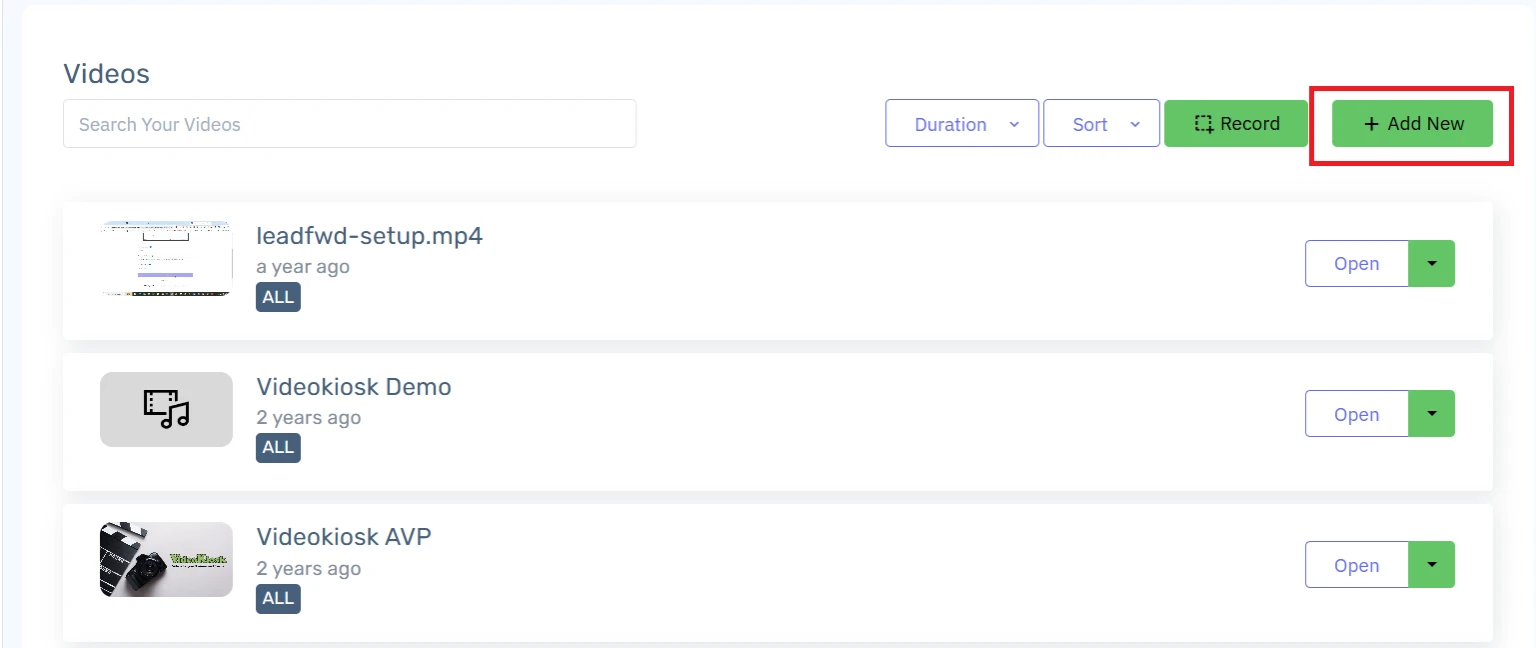
 Click on the ADD NEW button at the top right of the screen
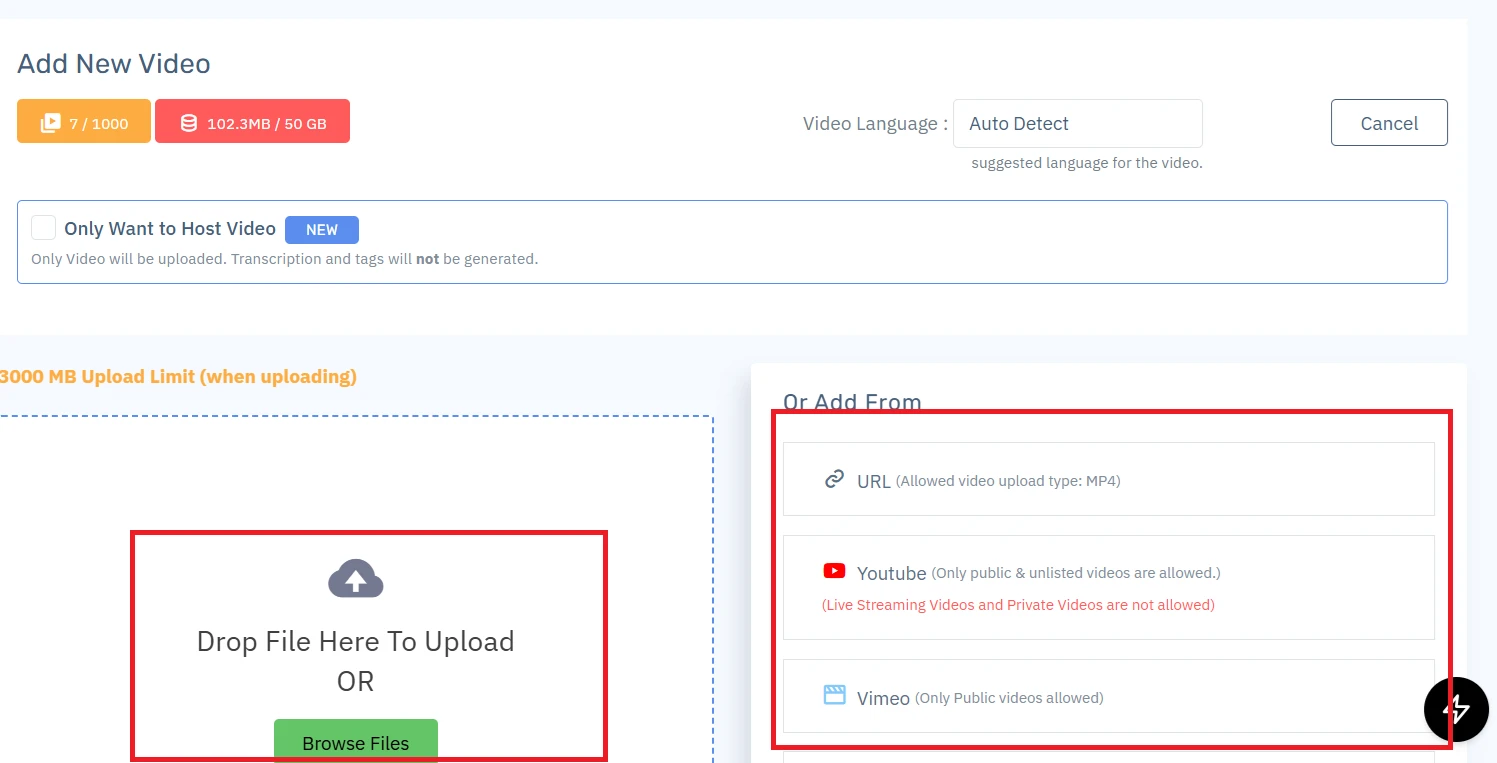
You can upload video from your
Own storage
A video from a URL
Youtube video
Vimeo Video
If you are uploading your video from Youtube or Vimeo, it will download in the background and may take some time to update in your dashboard.